


Shop by category
New
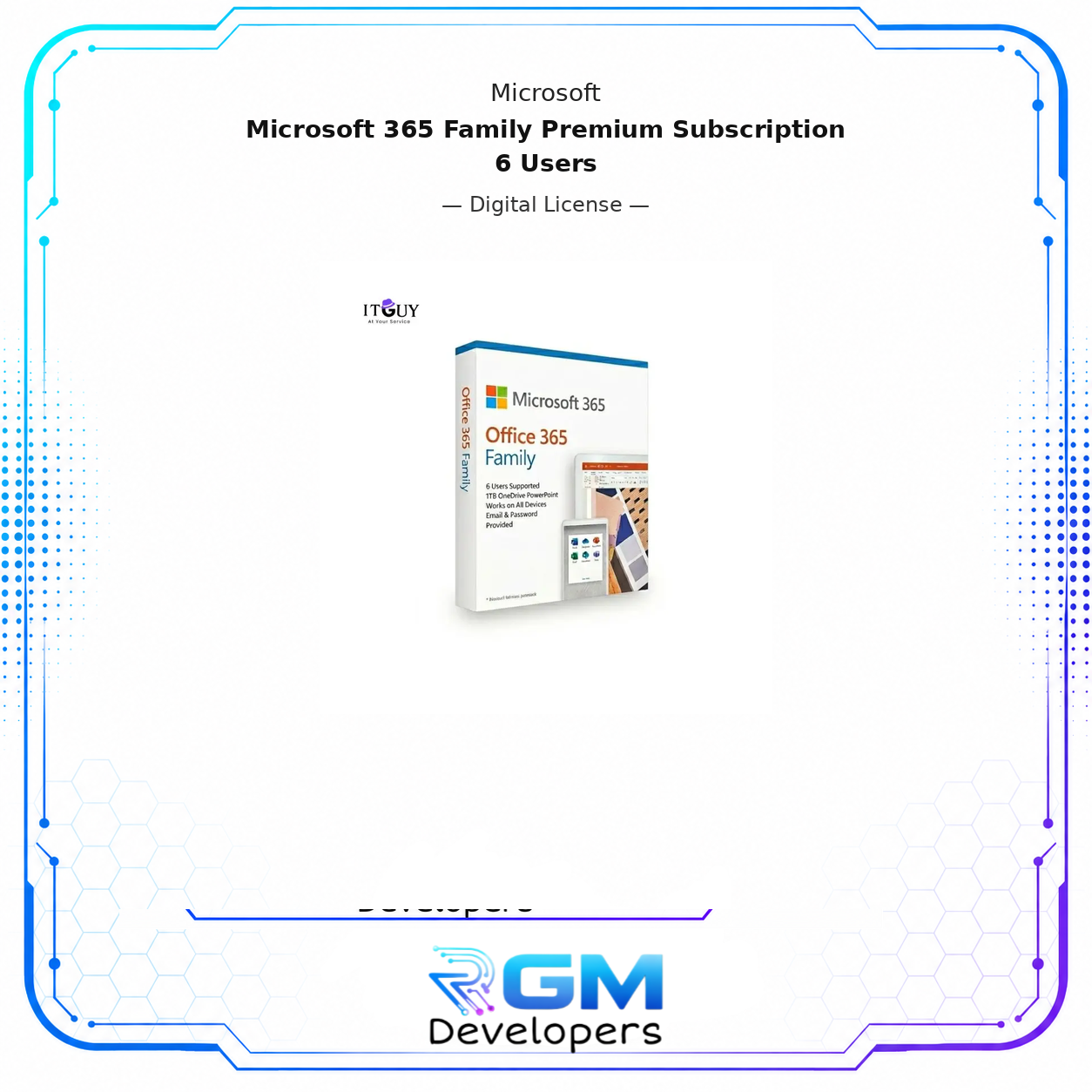
Microsoft 365 Family Premium Subscription | 6 Users
$67.93
Authentic Microsoft 365 Family Premium Subscription | 6 Users with official digital activation and fast delivery from RGM Developers. Ideal for users who need a genuine office 365 license.

Description
Get the complete Microsoft productivity experience with Microsoft 365 Family, the premium subscription plan built for families and small teams who need powerful, always-updated tools for work, school, and everyday tasks. A single subscription covers up to 6 users, each receiving full access to the latest Microsoft applications, 1TB of personal OneDrive cloud storage, and multi-device compatibility across Windows, Mac, Android, and iOS, making it the most comprehensive and cost-effective way to keep an entire household or small team productive.
Microsoft 365 Family goes beyond a one-time software purchase by delivering continuously updated applications, real-time collaboration tools, and cloud-connected storage under a single shared subscription, ensuring every user always has access to the latest features and security improvements without additional cost.
What Is Included in Microsoft 365 Family
Microsoft 365 Family Premium Subscription gives all six users access to the full suite of Microsoft’s industry-leading productivity applications, each kept current with automatic updates throughout the subscription period:
- Microsoft Word: Create, edit, and format professional documents with the world’s most widely used word processor, featuring advanced layout tools, real-time co-authoring, and AI-assisted writing suggestions.
- Microsoft Excel: Build powerful spreadsheets, analyze data with advanced formulas and pivot tables, and visualize information through charts and dashboards trusted by professionals across every industry.
- Microsoft PowerPoint: Design compelling presentations with a full library of templates, transitions, animation tools, and AI-powered design suggestions that make every slide deck look professionally crafted.
- Microsoft Outlook: Manage email, calendars, contacts, and tasks from a single, organized interface, with intelligent inbox filtering, meeting scheduling, and seamless integration across all Microsoft 365 apps.
- Microsoft OneDrive: Store, access, and share files securely from any device with 1TB of personal cloud storage per user, including automatic backup, version history, and protected sharing controls.
- Microsoft Teams: Communicate and collaborate through chat, video calls, and shared workspaces, keeping family members or team colleagues connected regardless of location or device.
Multi-Device Access Across All Your Platforms
Microsoft 365 Family works across every major platform, so each user stays productive on the devices they already own. Each of the 6 users can install and use the full Microsoft 365 application suite on multiple devices simultaneously, including:
- Windows PC and laptop
- Mac and MacBook
- Android smartphones and tablets
- iPhone and iPad
- Any web browser via Office.com with no installation required
Files created and saved through OneDrive sync automatically across all devices, ensuring the most current version of every document is always available, regardless of where it was last edited.
1TB OneDrive Cloud Storage Per User
Each of the 6 users included in the Microsoft 365 Family subscription receives their own 1TB of secure OneDrive cloud storage, completely separate from any shared family allocation. This gives every user a personal, protected space to store documents, photos, videos, and files with the following included benefits:
- Automatic file backup that protects your data without any manual action required.
- Access from any device, so your files are available whether you are at home, at school, or working remotely.
- Secure file sharing with customizable permissions that control who can view or edit shared content.
- Version history and ransomware recovery to restore previous versions of files in the event of accidental changes or a security incident.
Who This Is Ideal For
- Families with multiple members who each need their own full Microsoft Office experience, cloud storage, and device compatibility under a single affordable subscription.
- Students and teachers who require Word, PowerPoint, and Excel for coursework, assignments, and classroom collaboration across school and personal devices. If you don’t want an entire subscription for 6 users, explore the solo invitation to join our Office 365 Family.
- Freelancers and remote workers who need the complete Microsoft productivity suite with cloud access and multi-device flexibility to stay productive from any location.
- Small teams and home offices that want a cost-effective way to equip up to six users with professional-grade productivity tools, shared collaboration features, and individual cloud storage.
Delivery Information
Access details for your Microsoft 365 Family Premium Subscription are delivered digitally via email after purchase confirmation. Delivery is typically completed within minutes of payment.
Activation Process
- Receive your Microsoft 365 Family subscription access details via email after purchase.
- Visit microsoft365.com and sign in with an existing Microsoft account or create a new one.
- Enter your subscription details to activate the plan on your account.
- Download and install the Microsoft 365 applications on your devices.
- Share the remaining user invitations with up to 5 additional family members or team members so each person can activate their own account and 1TB of storage.
Important Notes
- This subscription covers up to 6 users. Each user must have their own Microsoft account to activate their individual access and cloud storage allocation.
- The subscription period and renewal terms are determined at the time of purchase. All features, updates, and cloud storage remain fully active throughout the subscription period.
- An internet connection is required for activation, cloud storage access, and receiving automatic updates. The Microsoft 365 applications can be used offline once installed, with changes syncing to OneDrive when a connection is restored.
- This is a digital product delivered electronically. You can review accounts of customer journeys and experiences with this hot-selling product.
Available from RGM Developers with secure checkout and quick digital fulfillment.
Reviews
There are no reviews yet.